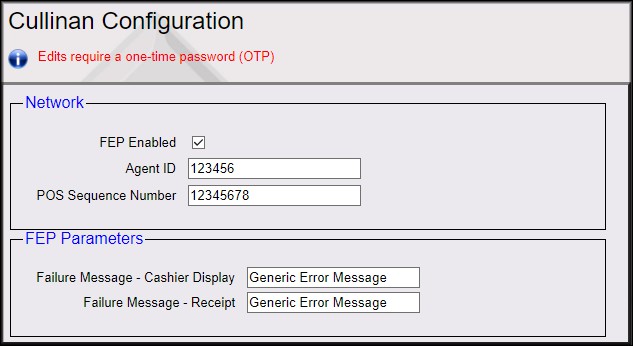
EPS Network Configuration
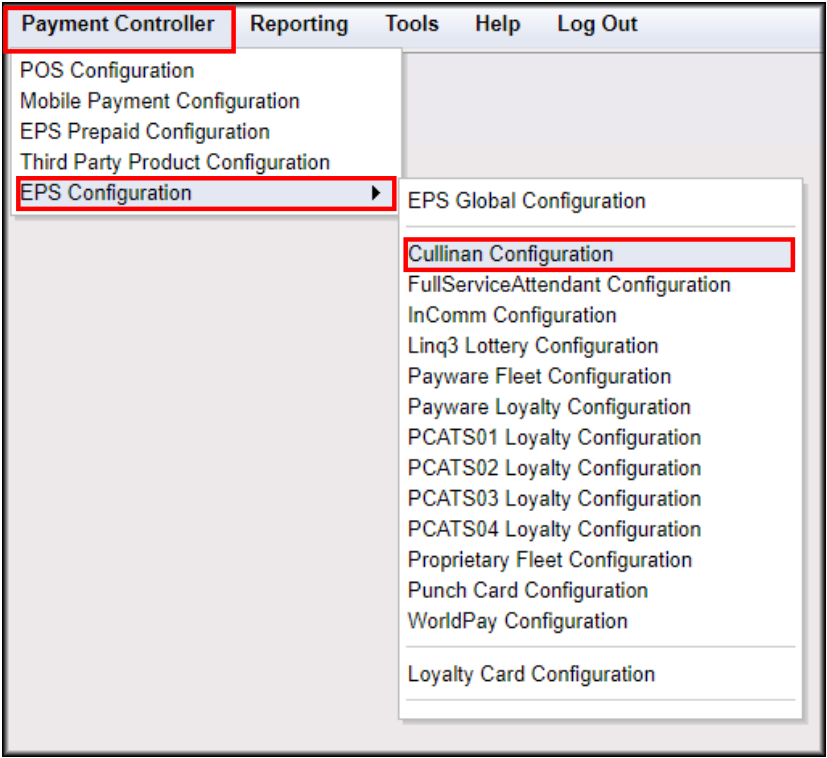
From the Configuration Client, go to: Payment Controller > EPS Configuration > Cullinan Configuration.
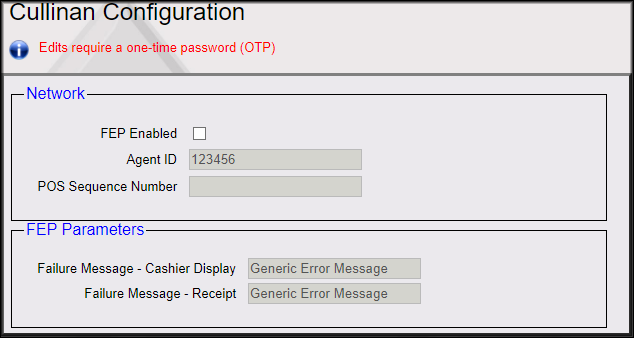
The Cullinan Configuration window displays.
Configure the Network parameters.
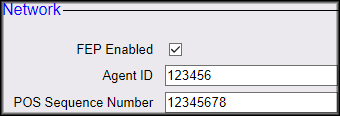
Network
FEP Enabled
Enables the FEP.
Agent ID
Sets the Agent ID.
POS Sequence Number
Sets the POS Sequence Number.
Configure the FEP parameters.

FEP
Failure Message - Cashier Display
Determines the failure message displayed on the cashier.
Failure Message - Receipt
Determines the failure message displayed on the receipt.
One-time password (OTP)
Editing information in the Network and FEP parameters requires a one-time password.

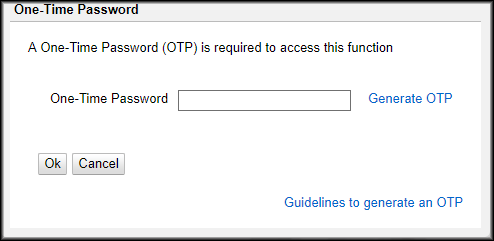
The One-Time Password window displays.
Generate the OTP
From the One-Time Password dialog box, click Generate OTP.
Read the OTP
The OTP generates. Read it from the Commander Site Controller's status display.
Confirm the OTP
Click Ok.
Enter the OTP
In the One-Time Password field, enter the OTP. Click Ok.
The Cullinan Configuration window displays and saves the edited information.