Welcome to the Help Center - Guides to support and troubleshoot your Verifone devices
For the complete documentation index, see llms.txt. This page is also available as Markdown.

Vend Tube

The Vend Tube option is used to draw money for the cash drawer. E-Safe dispenses tubes (coins and paper currency) that contain the requested amount of money.

1
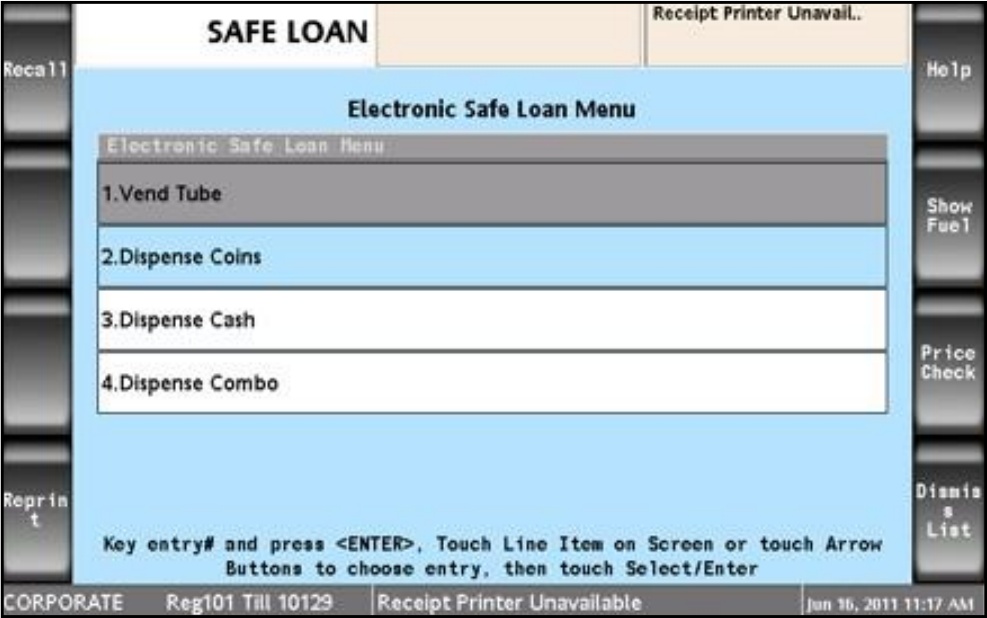
Select Vend Tube

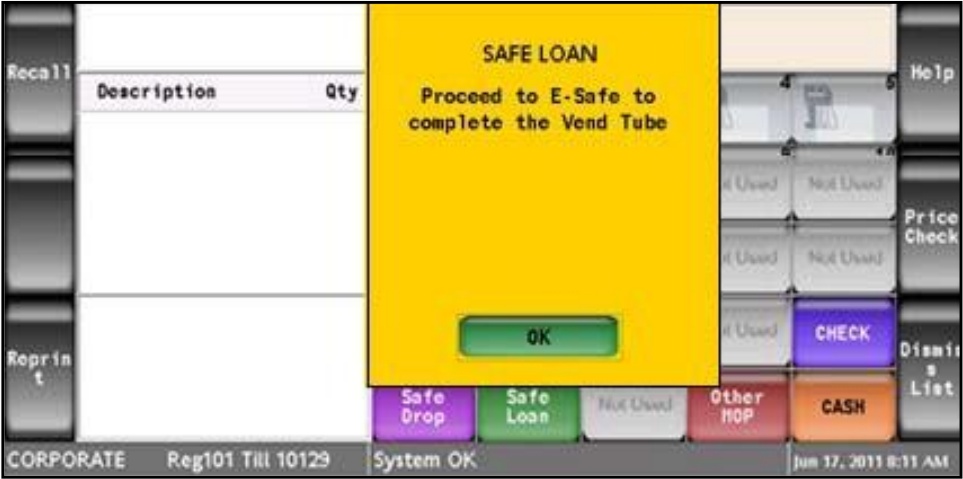
Select [Vend Tube] from the E-Safe Loan Menu.

A message displays indicating "Proceed to E-safe to complete the Vend Tube".

Select [OK].

2

Wait for the operation

A message displays indicating "Please wait" while the user completes the Vend Tube operation.

3

Retrieve the vend tube

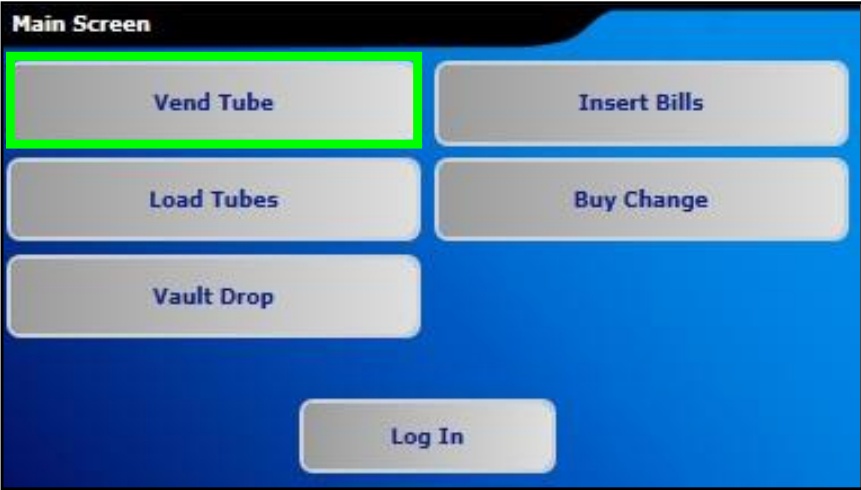
To retrieve the vend tube, select [Vend Tube] from the E-Safe Menu.

4

Log in

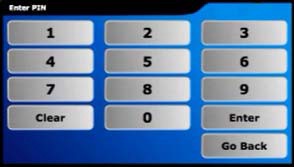
Login (optional) with the <Employee Safe ID> assigned in the Safe Configuration parameters.

5

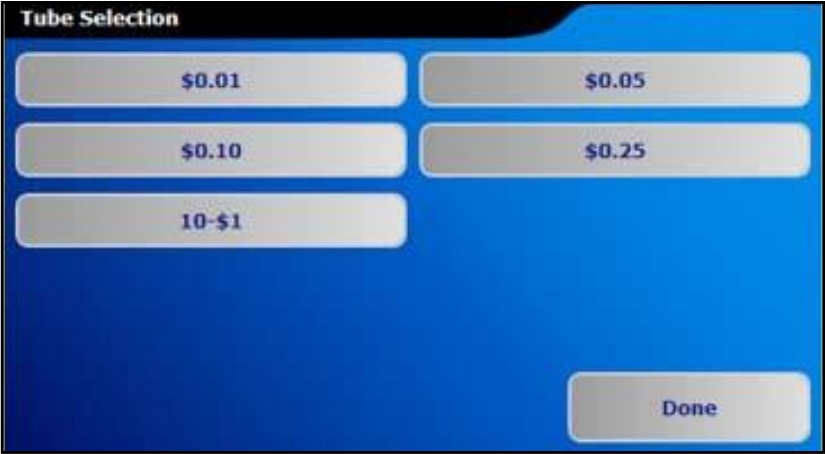
Select a denomination

Select the denomination (coin or bill) to dispense.

6

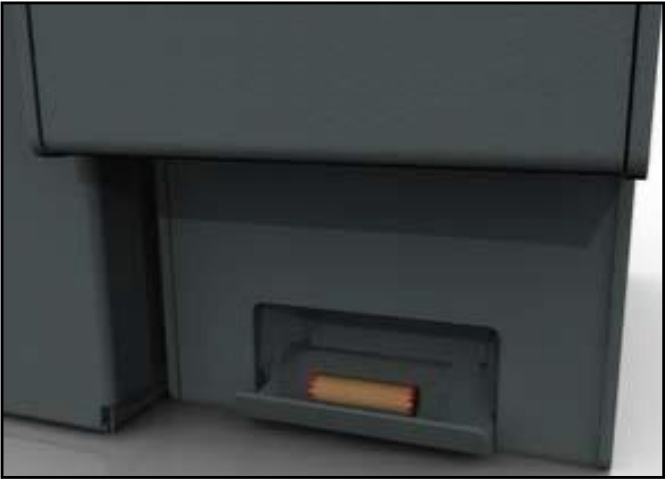
Collect the vend tube

The vend tube dispenses at the E-Safe.

7

Deposit the amount

The vend tube amount is deposited in the cash drawer and closed.

The POS terminal prints a receipt indicating the Safe Loan completed successfully.
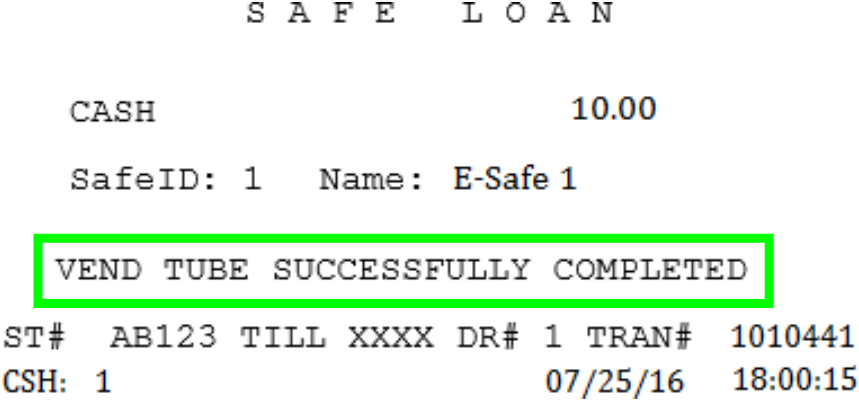
Vend Tube Ticket Details

  • TITLE: SAFE LOAN

  • CASH: Total cash amount retrieved from E-Safe.

  • SAFEID: Numeric Identification of the E-Safe the cash was received.

  • NAME: Name of the E-Safe the cash was received.

  • MESSAGE: Confirmation that the safe loan was successful or unsuccessful.