Summary Report by Register
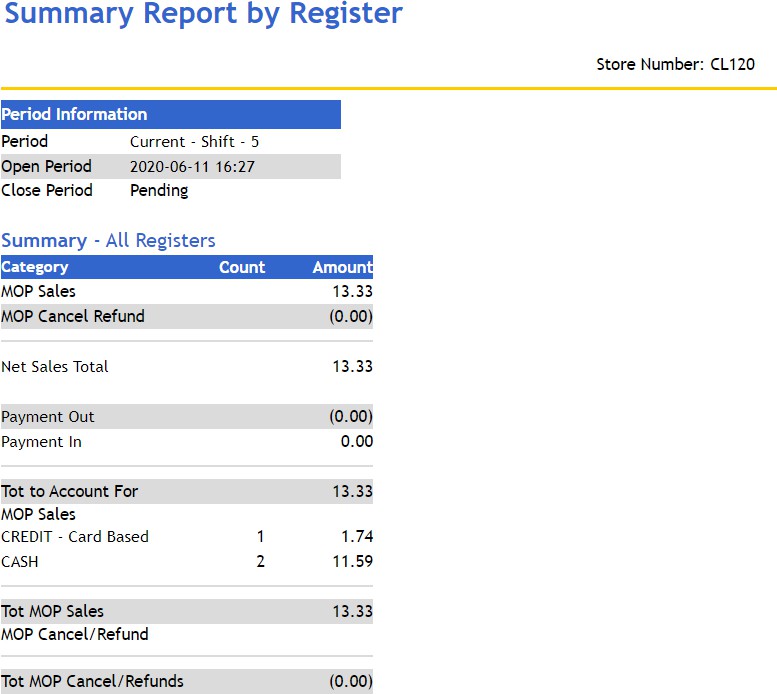
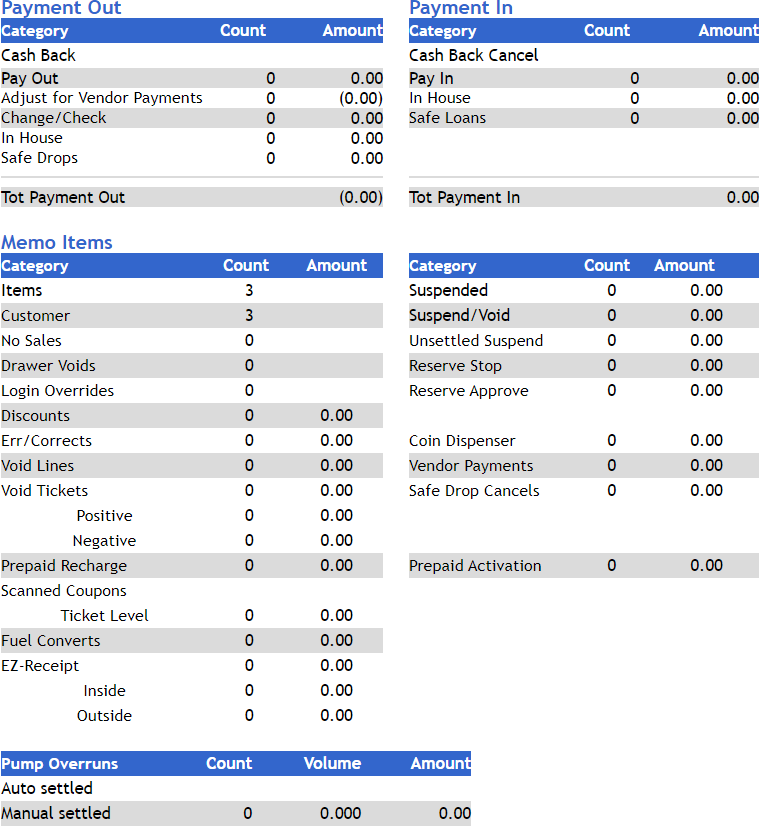
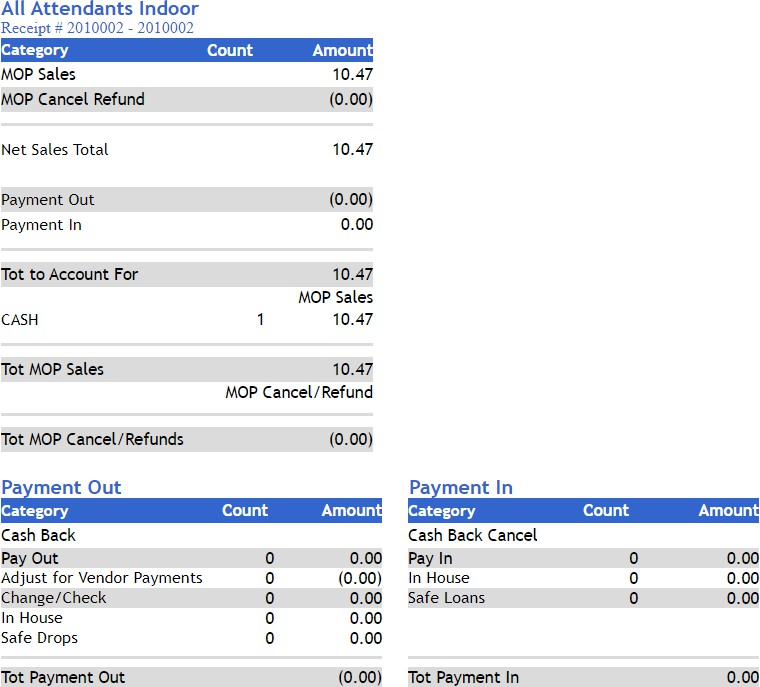
Summary report has the following sections:
Summary All registers
All Attendants Indoor
All Attendants Outdoor
All DCRs
Register(s) Details
To generate report:
Login to Site Report Navigator.
Navigate to Reports > View Reports.
Select Period type, Period and Report.
Click Add and Proceed to generate report.