

Sec. Alert - Pairing Invalid on the POS Workstation
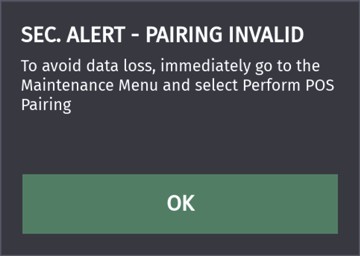
This message displays of one of the following reasons:
The POS Workstation has been connected to a different Commander, the Commander has been replaced or its software has been re-loaded.The site operator must immediately perform the steps in the "Pairing after the initial Auto Upgrade, Pairing Expired or Revoked" section. The message will continue to display between each transaction until the POS is paired.
The pairing expired or was revoked. Repeat the steps in the "Pairing after the initial Auto Upgrade, Pairing Expired or Revoked" section.