

Receipt Preview Functionality
The transaction list will be sorted in reverse chronological order, with the most recent entry highlighted. A graphic representation of the receipt will appear for the preview.
Each entry includes the date and time, register, transaction type, amount, fuel information and transaction detail.

If the receipt is longer than what can be displayed on the screen, there are page up/page down options for the user to select to scroll through the receipt preview.
The user may touch another entry found in the transaction list to view it.
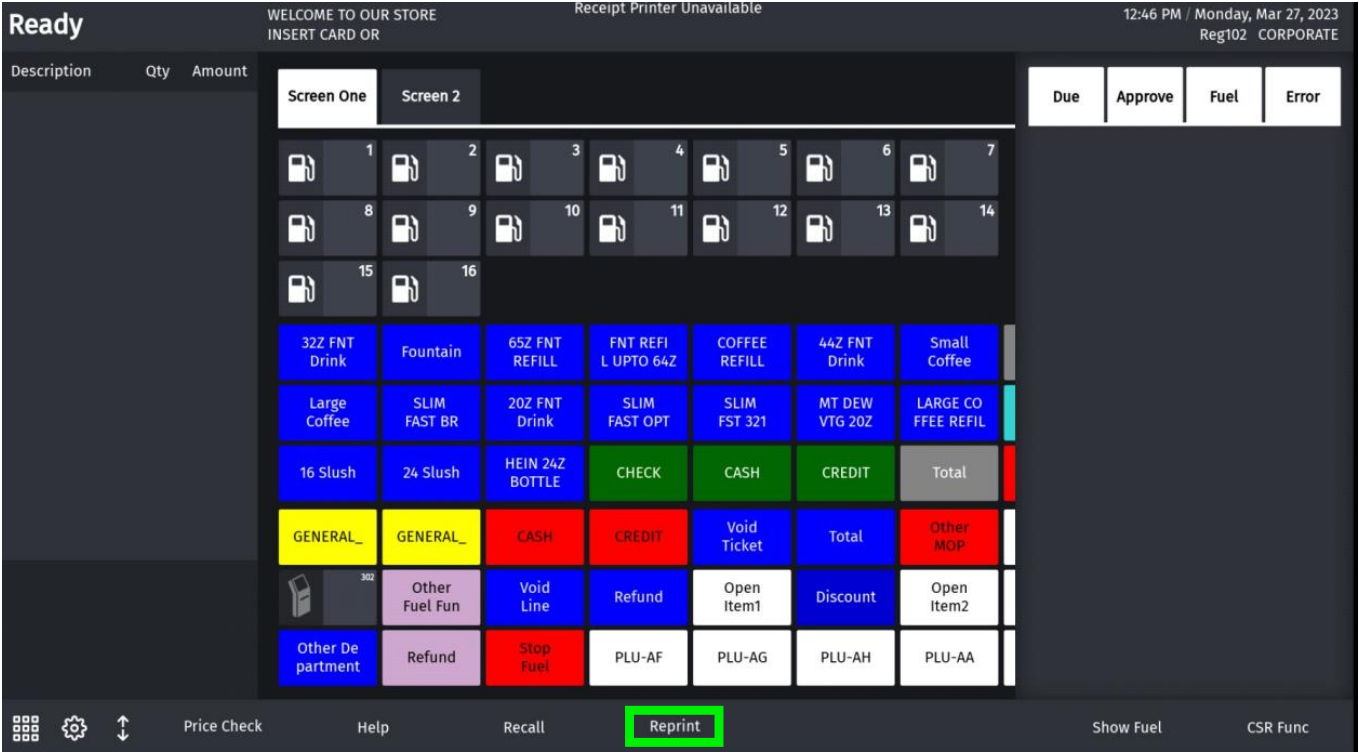
The selected entry may be printed by touching the Reprint button or by pressing [ENTER].